
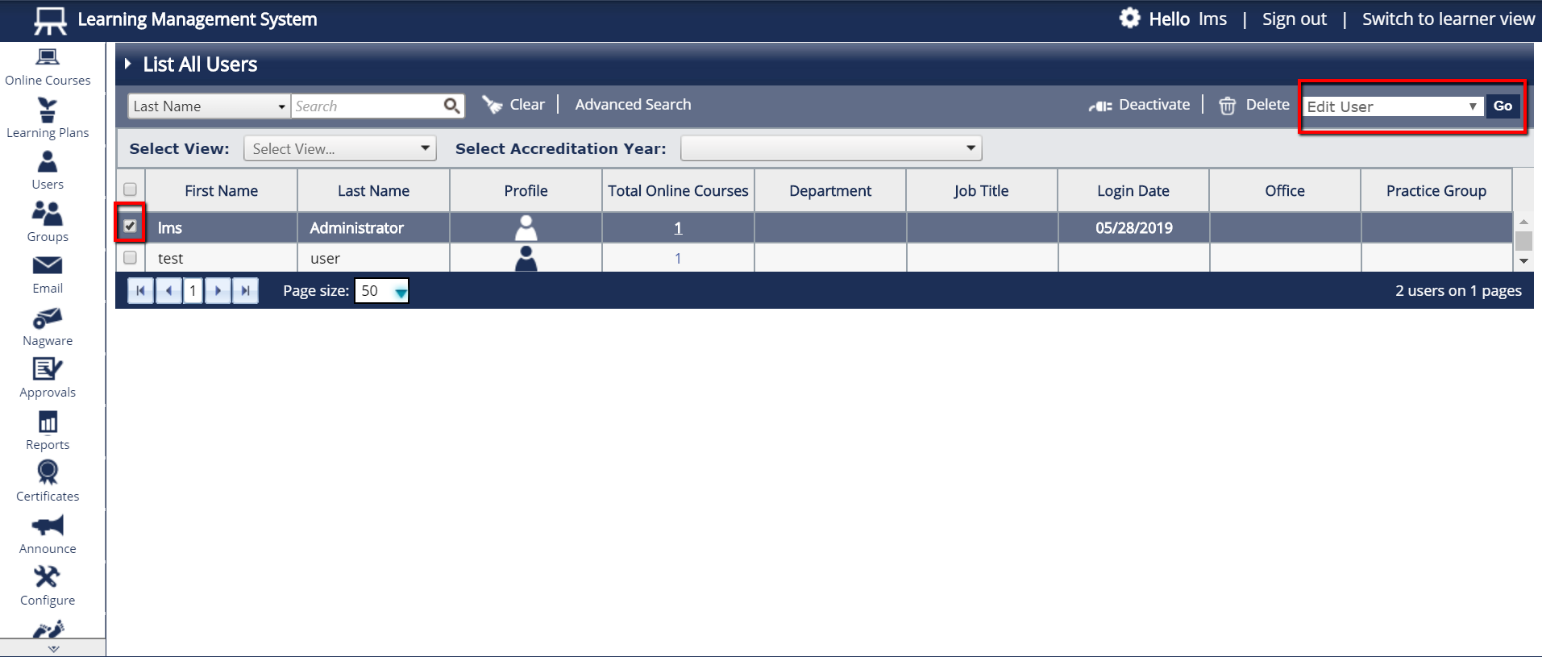
- From the menu on the left side of the page, select “Users” and then “List All Users.”
- Find the user(s) that you would like to enable the Module for, and tick next to their name(s).
- In the “Select An Action” box in the upper right, select “Edit User” and click Go.
Please note: You can do this action for multiple users by selecting “Bulk Edit Users” instead of “Edit User”
- Tick the box next to “SRA Continuing Competence” and click “Submit”.